 Supra Size Chart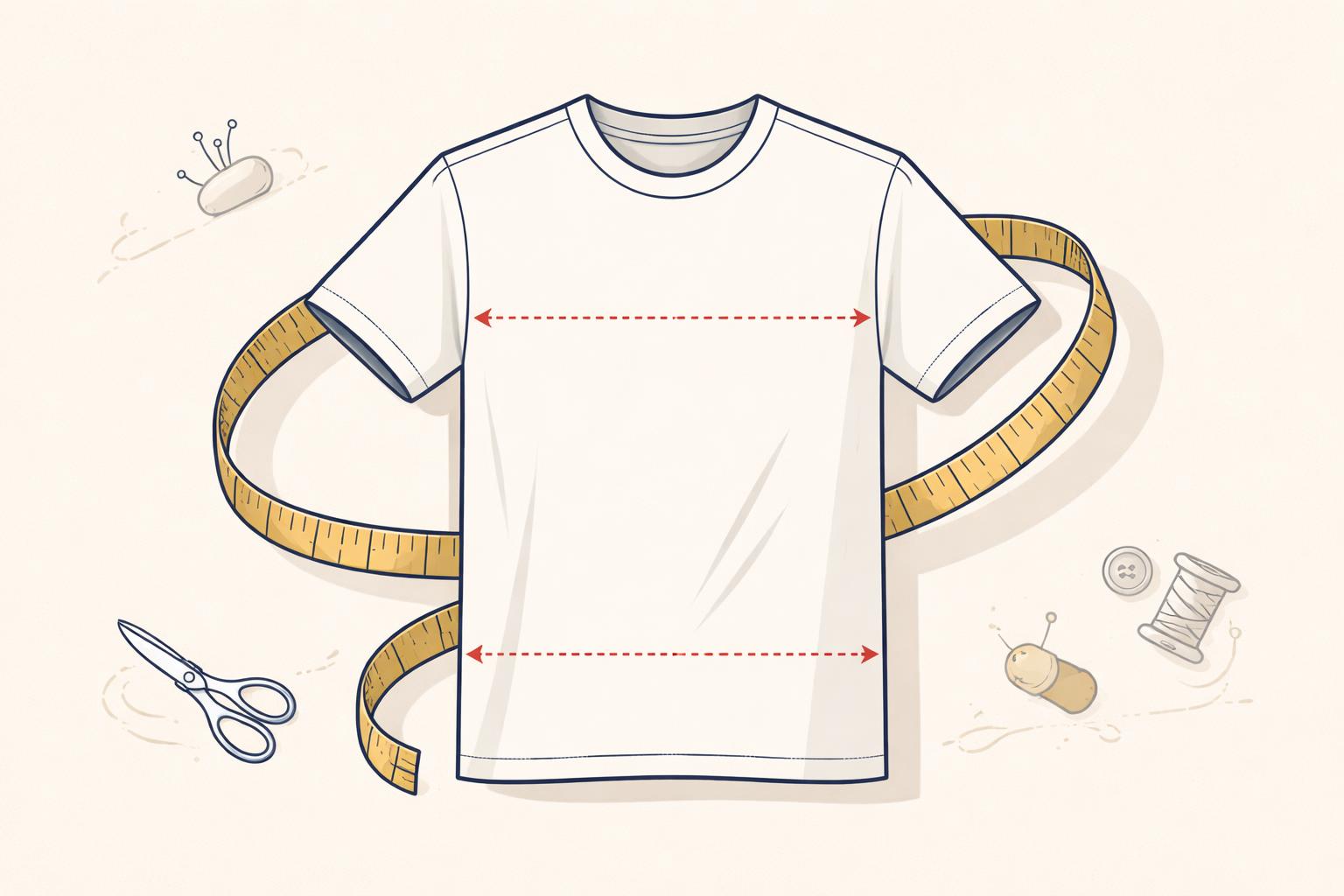
How to Create a Visual Measurement Guide for Your Shopify Store
A shopper lands on your product page, loves what they see, but hesitates. They look at your size chart, see "Chest: 42 inches," and ask themselves: "Is that the garment width or my body measurement? And where exactly do I measure?" This moment of friction is where most sales are lost. To convert that shopper, you need more than a grid of numbers; you need a visual measurement guide.
Providing a clear, visual representation of how to measure isn't just a courtesy—it's a critical conversion tool. When shoppers can see exactly where a tape measure should go, their confidence increases, and your return rate decreases. In this guide, we'll explore how to design a visual system that works for your brand and your customers.
Why Visuals Matter for Fit
Text-based instructions like "measure from the shoulder" are notoriously ambiguous. Does that mean the neck point or the armhole edge? For many merchants, this ambiguity is a leading cause of fit-related returns. As we discussed in our guide on reducing apparel returns, fit is the most common reason for customer dissatisfaction in online fashion.
A visual measurement guide eliminates this guesswork by overlaying clear lines on a garment or body silhouette. It transforms a technical specification into a simple, follow-along instruction. This is especially vital for international shoppers who may be navigating different sizing conventions or unit systems.
3 Strategies for Effective Measurement Guides
1. Choose Between Garment Flats and Body Silhouettes
Decide whether you want shoppers to measure themselves or a garment they already own.
- Garment Flats: Best for items with specific fits (like oversized tees or slim-fit trousers). Show the garment lying flat with horizontal lines for chest/width.
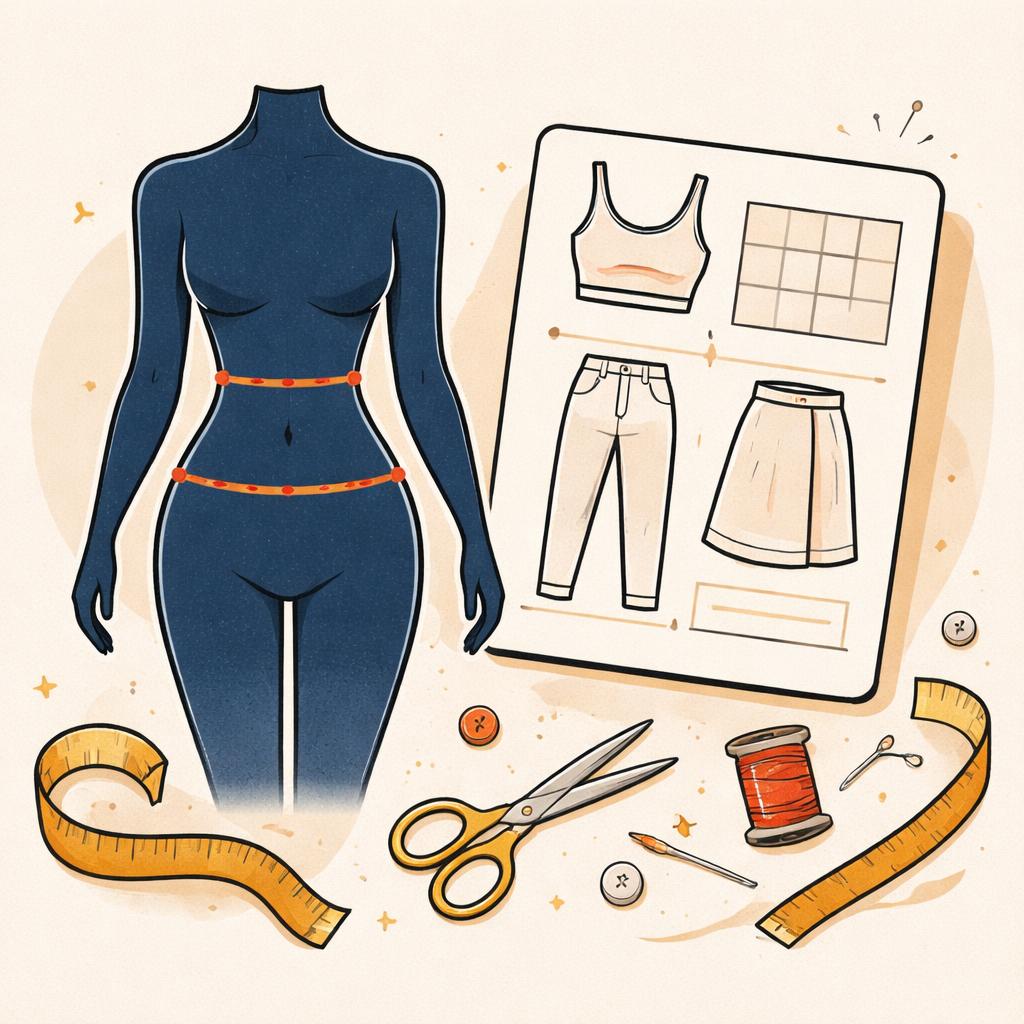
- Body Silhouettes: Best for intimate apparel, activewear, or tailored suits where the body's proportions are the primary reference. Use a clean figure with marks for the natural waist, fullest part of the chest, and hips.
2. Standardize Your Measurement Points
Consistency is key to building trust. If you sell multiple types of tops, ensure the "length" measurement always starts from the same point (usually the High Point Shoulder). Use distinct labels for each line and ensure those labels match the columns in your size table exactly.
3. Maintain a Consistent Aesthetic
Your size guide shouldn't look like an afterthought. It should feel like an extension of your brand's design language. Use clean line work, a limited color palette, and avoid cluttered backgrounds. A minimalist "tailor's atelier" look—using soft paper tones and ink-style lines—can make the technical process of measuring feel premium and professional.
How Supra Size Chart Helps
Building these guides from scratch for every product can be a massive undertaking. Supra Size Chart was built to solve this exact problem by making visual guides reusable and easy to deploy.
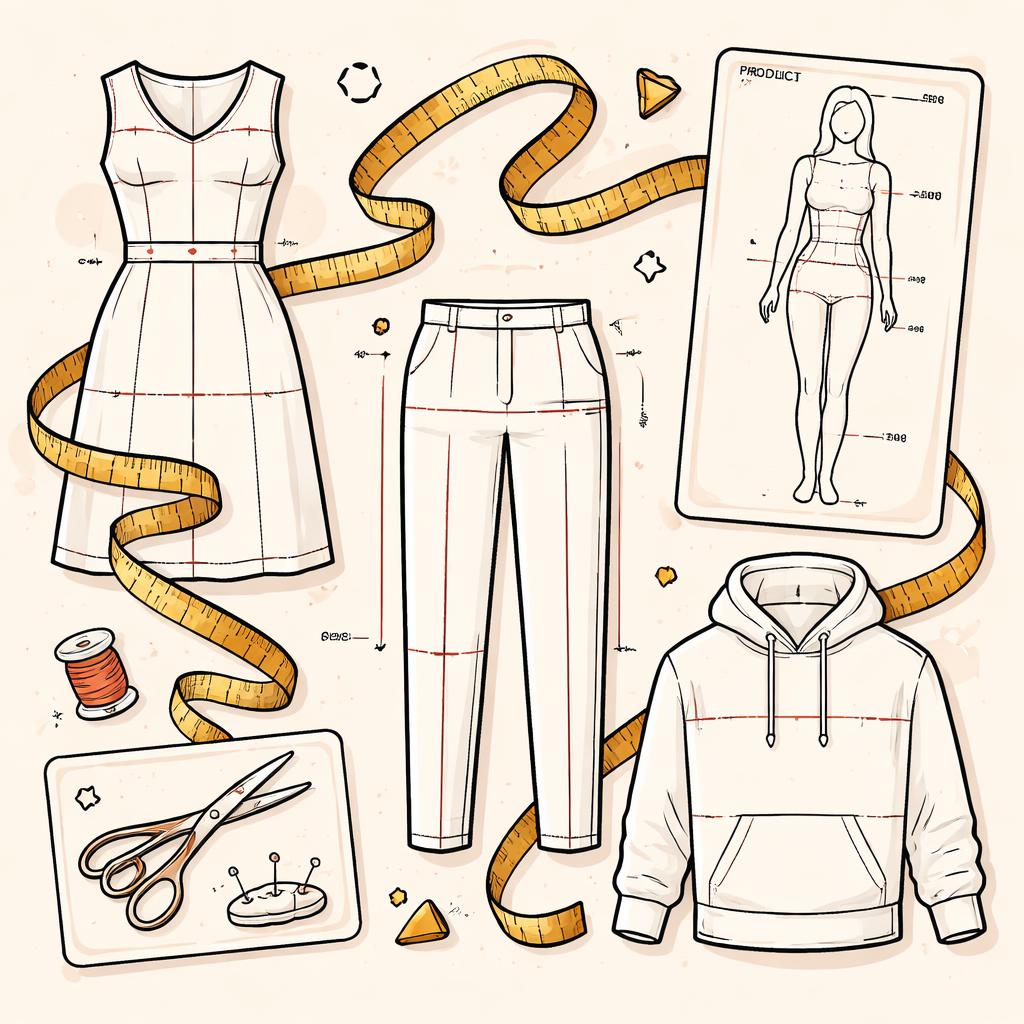
With our visual measurement guide feature, you can choose from various garment or body silhouettes (from t-shirts to baby onesies) and simply drop labeled measurement lines onto them. These guides aren't just static images; they are interactive. When a shopper hovers over a specific size row in your table, the corresponding lines on the guide light up, showing the exact values for that size.
Key features that streamline your workflow include:
- Reusable Guides: Create a guide once for "Men's Tees" and assign it to hundreds of products using rule-based assignment (by collection, tag, or vendor).
- Metric ⇄ Imperial Toggle: Let shoppers switch between inches and centimeters instantly with a storefront toggle, while you manage per-column units in the backend.
- Flexible Display: Choose to show your guide as an inline table, within an accordion, or via a modal trigger to fit your theme's layout perfectly.
- Data Portability: Your charts are stored in your own Shopify metaobjects, and you can use CSV & JSON import/export to manage your data at scale.
Conclusion
A visual measurement guide is more than a design choice; it's a commitment to customer service. By showing your shoppers exactly how your products fit, you build the confidence they need to click "Add to Cart."
Ready to upgrade your product pages? Supra Size Chart is free and designed to help you build a professional sizing system in minutes. Give it a try today and see the difference a clear guide can make for your conversion rates.