 Supra Size Chart

Holiday Size Chart Strategy: How to Reduce Returns and Boost Gifting Confidence
The holiday season is the most wonderful time of the year for Shopify merchants, but it often comes with a looming shadow: the post-holiday return wave. When shoppers are buying for others, the risk of selecting the wrong size skyrockets. A robust Holiday Size Chart Strategy is not just a nice-to-have; it is a critical tool for maintaining your margins and ensuring your brand's first impression with a new gift recipient is a perfect fit.
Why Holiday Sizing Matters
For a gift-giver, the biggest friction point is uncertainty. "Will this fit my nephew?" "Is a medium in this brand the same as his other shirts?" If they can't find a clear answer, they either won't buy, or they'll buy two sizes and return one—a practice known as "bracketing" that kills your logistics efficiency. By providing a clear, visual, and accessible Supra Size Chart, you bridge the gap between guesswork and confidence.
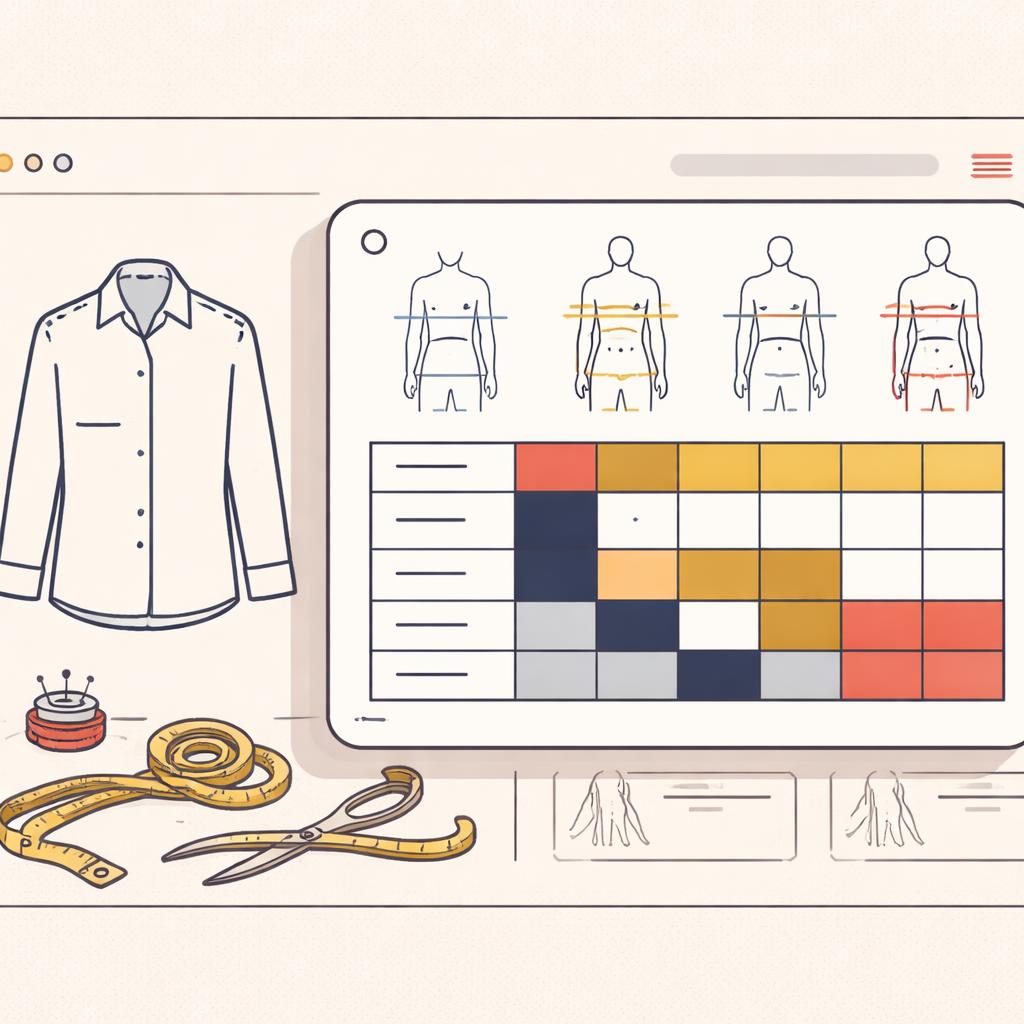
1. Implement Visual Measurement Guides for Gift-Givers
Standard tables are helpful, but for someone who doesn't have the garment in hand—or the person they are buying for—visuals are king. A visual measurement guide shows exactly where a measurement is taken on a garment.
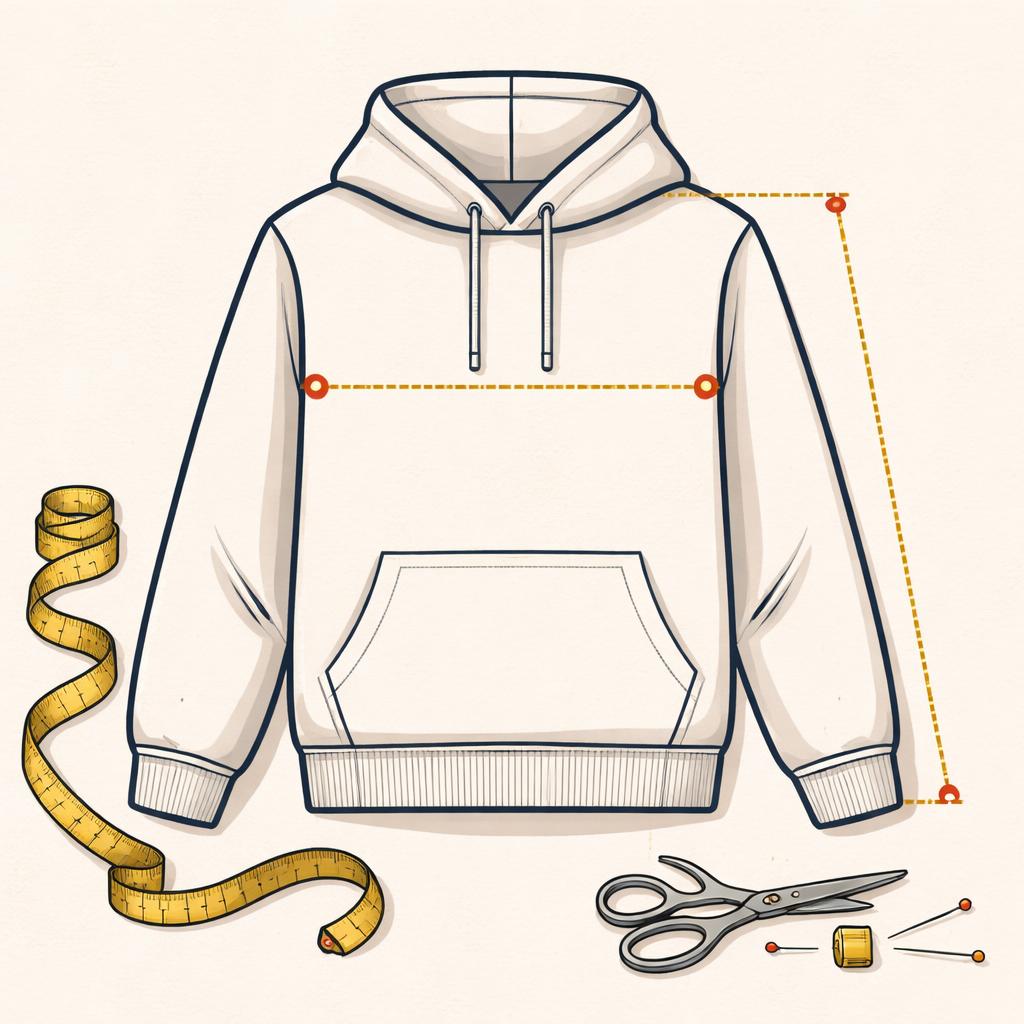
If you are selling hoodies, don't just list "Chest: 22in." Show a technical flat of the hoodie with a line across the chest. This helps the gift-giver compare your measurements against a garment the recipient already owns and loves. This approach is especially effective in niche categories like kidswear size charts, where age-based sizing is often unreliable.
2. Enable International Unit Toggles
Holiday shopping is global. A shopper in London might be buying a gift for a relative in New York. If your size chart only shows inches, you're creating a mental math hurdle for the shopper.
Your strategy should include a seamless metric ⇄ imperial toggle. Allowing shoppers to switch between inches and centimeters with a single click ensures that no matter where they are (or where the gift is going), the data is instantly relatable. This small UX improvement significantly reduces the friction of international gifting.
3. Optimize for Mobile Gift-Hunting
Most holiday browsing happens on the go. If your size chart is a giant, non-responsive image or a PDF link, you've already lost the sale. Your size charts should be rendered as clean, server-side HTML tables that look great on a phone.
Consider using a modal trigger or an accordion display mode. This keeps the product page clean and focused on the "Add to Cart" button while making the sizing information just one tap away. A well-placed "Size Guide" link right above the size selector is the gold standard for Shopify size chart UX.
How Supra Size Chart Solves the Holiday Rush
Managing a high-volume store during the holidays is stressful enough without manually updating hundreds of product pages. Supra Size Chart is a free app designed to automate this workflow.
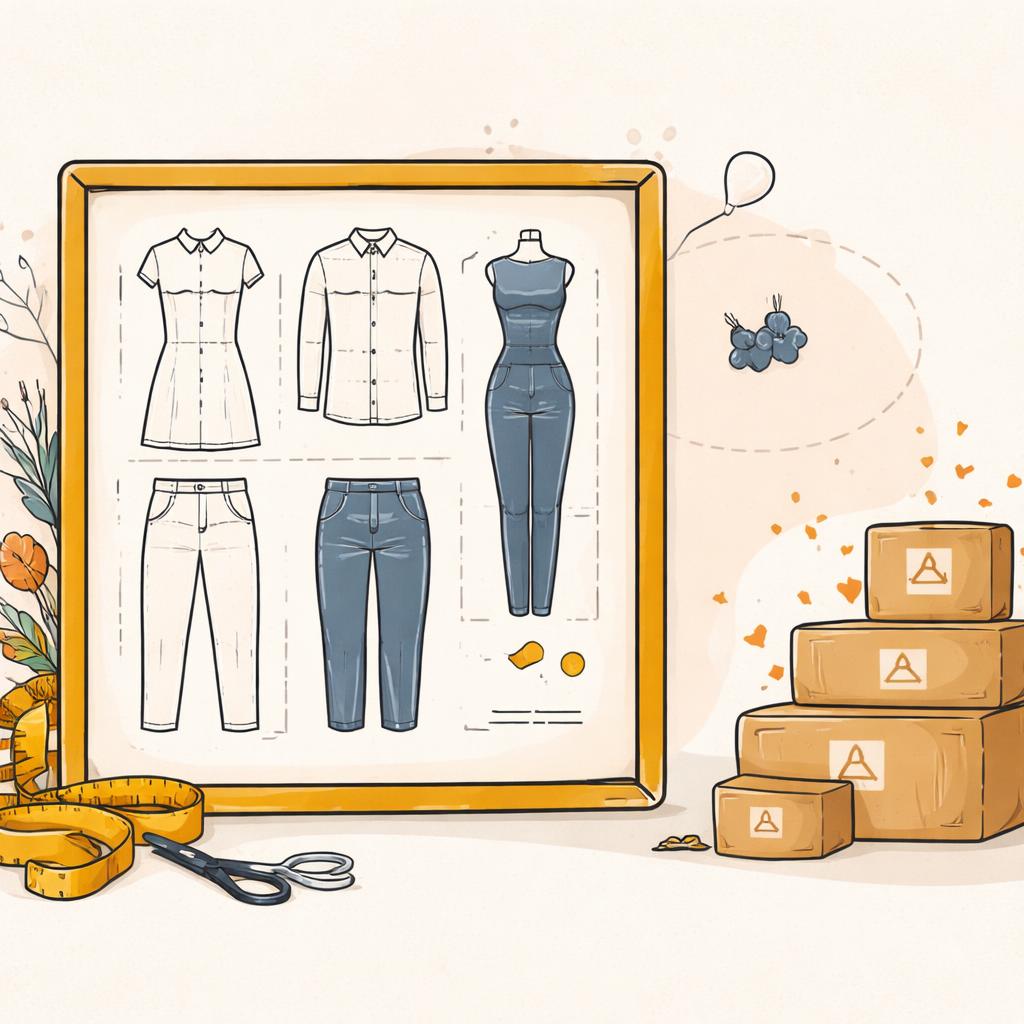
With our rule-based assignment, you can create one master size chart and assign it to an entire collection or product type in seconds. If you have hundreds of t-shirts, one rule covers them all. Our standout feature, the visual measurement guide, allows you to pick from various silhouettes (dresses, pants, body figures) and drop labeled lines to show shoppers exactly how to measure.
Because the app uses Shopify metaobjects, your data is portable and fast. You can enable the in/cm toggle to cater to global shoppers and choose between inline, accordion, or modal displays to fit your theme's aesthetic perfectly. Plus, with CSV and JSON import/export, getting your data into the system is a breeze.
Don't let returns eat your holiday profits. Build a better experience for your customers today.
Ready to optimize your store for the holidays? Install Supra Size Chart for free on the Shopify App Store.