 Supra Size Chart

Scaling Your Shopify Store: How to Manage Bulk Size Chart Management for Thousands of Products
Managing a handful of size charts for a boutique collection is straightforward. But as your Shopify store scales to hundreds or thousands of products across diverse categories, the manual approach to sizing information quickly becomes a bottleneck. Inconsistent sizing data is one of the primary drivers of customer uncertainty, leading to abandoned carts and a high volume of fit-related returns. To maintain growth, merchants need a strategy for bulk size chart management that is both scalable and accurate.
When you are dealing with a massive catalog, the goal is to move away from per-product maintenance and toward a system of automated size charts. This not only saves hundreds of hours of manual entry but also ensures that every new product launch is automatically covered by the correct sizing guidance from day one.

1. Implement Rule-Based Assignment
The most effective way to handle a large catalog is to stop thinking about products individually and start thinking in groups. By using Shopify size chart rules, you can assign a single chart to hundreds of products at once based on existing Shopify data.
For example, you can create a rule that applies a "Men's T-Shirt" size chart to every product with the type "T-Shirt" and the tag "Men". If you add a new t-shirt to your store next week, the rule picks it up automatically. This level of automation is essential for merchants who frequently update their inventory or run large-scale drops. You can set assignment rules based on product type, vendor, collection, or specific tags, giving you granular control without the manual overhead.
2. Centralize Your Visual Measurement Guides
A common mistake when scaling is duplicating the "how to measure" instructions for every single chart. This creates a maintenance nightmare if you ever decide to update your photography or measurement technique. Instead, you should use a system of reusable visual guides.
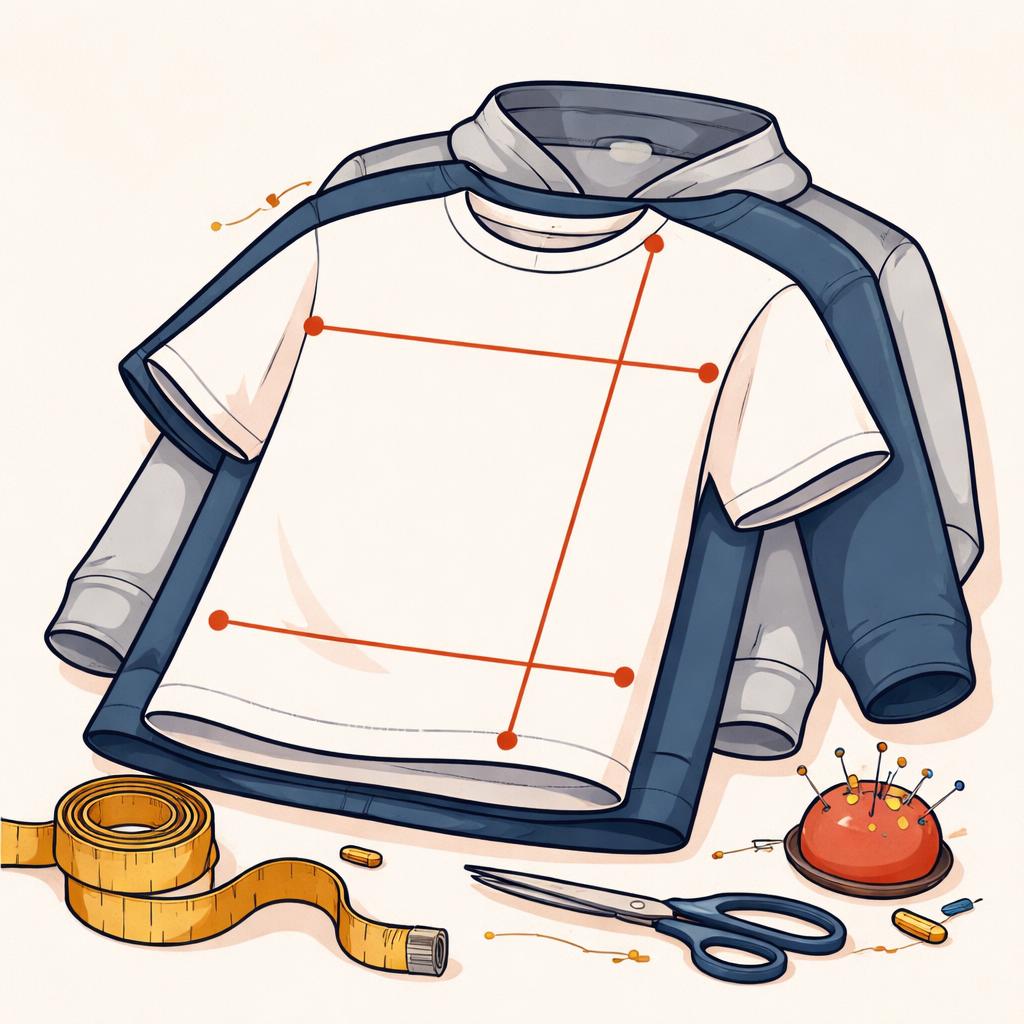
By decoupling the visual guide from the data table, you can create one master measurement guide for "Standard Tops" and link it to every t-shirt, hoodie, and jacket chart in your store. This ensures that the visual experience remains consistent across your entire site. When a shopper hovers over a size row, the guide should dynamically highlight the corresponding measurement lines, providing a seamless and intuitive UX that builds trust.
3. Leverage Data Portability with CSV and JSON
For merchants managing thousands of SKUs, the ability to move data in and out of your sizing system is critical. If you are migrating from an old system or need to perform a mass update of your measurements (perhaps due to a change in manufacturing), manual editing is not an option.
Ensure your sizing solution supports CSV and JSON import/export. This allows you to manage your sizing data in a spreadsheet-style environment where you can use formulas and bulk-edit tools, then re-import the data to update your entire store in seconds. This also prevents vendor lock-in, as your data remains portable and accessible within your own Shopify metaobjects.
4. Optimize for Global Scale with Unit Toggles
If you are selling internationally, bulk size chart management also means managing multiple unit systems. Instead of creating separate charts for inches and centimeters, use a system that supports per-column units and a metric ⇄ imperial toggle. This allows a single chart to serve both your US and European customers, reducing the number of charts you need to manage by half. For more on this, check out our guide on Mastering International Size Conversion.
How Supra Size Chart Helps
Supra Size Chart was built specifically to solve the scaling challenges of modern Shopify merchants. It offers a free, robust system for managing sizing at any scale:
- Rule-Based Assignment: Automatically assign charts to products using rules based on Product, Collection, Product Type, Vendor, or Tag.
- Visual Measurement Guides: Create reusable silhouettes (t-shirts, pants, body figures) and drop labeled measurement lines that light up when shoppers interact with the table.
- Spreadsheet-Style Editor: Build and edit charts quickly with a familiar row and column interface.
- Metric ⇄ Imperial Toggle: Enable shoppers to switch units instantly on the storefront.
- Data Portability: Import and export your data via CSV and JSON. Your charts are stored in your own Shopify metaobjects, so you own your data.
- Fast Performance: Rendered server-side via theme app blocks to keep your product pages lightning-fast.
Get Started Today
Don't let your size charts become a barrier to growth. By implementing automated rules and centralized guides, you can provide a world-class shopping experience for a catalog of any size.
Ready to scale your sizing strategy? Install Supra Size Chart for free on the Shopify App Store and start building your reusable sizing system today.